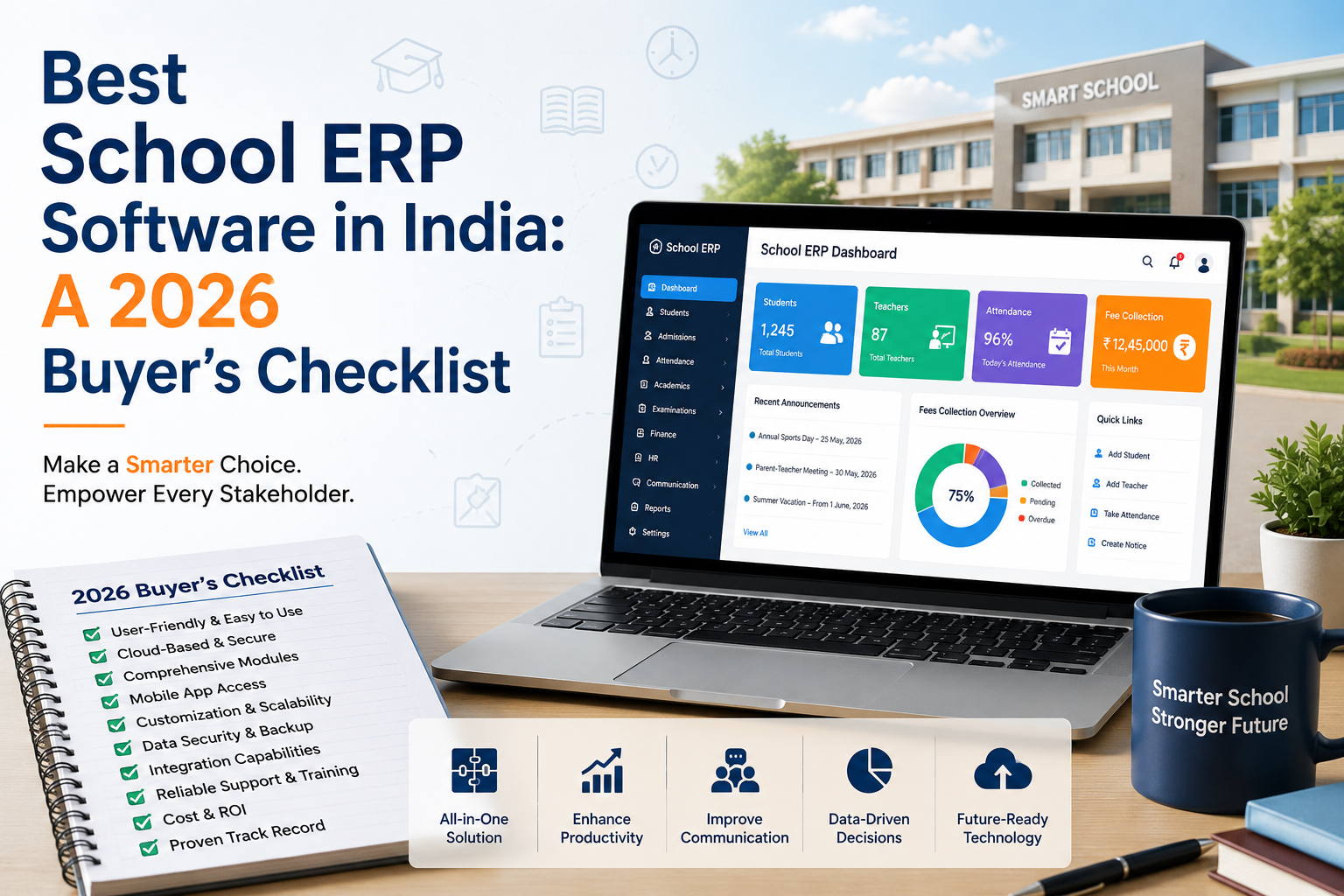
Every school evaluating an education ERP system hears the same pitch: "all-in-one platform," "cloud-based," "AI-powered." After a point, the marketing language starts to sound identical across every vendor's homepage. The real question a principal or school administrator needs answered isn't "does it sound modern" it's "does it actually replace the spreadsheets, WhatsApp groups, and separate fee-collection tools we're currently juggling."
Here's a practical checklist for evaluating the best school ERP software in India and where LMSCloud fits against each point.
1. Is It Actually Cloud-Based, or Just Cloud-Hosted?
There's a real difference between a cloud based school ERP and a desktop system someone simply moved onto a server. A genuinely cloud-based platform means your admin team, teachers, and parents can log in from any device, updates roll out automatically, and there's no local software to install or maintain on individual school computers.
LMSCloud runs entirely on secure cloud infrastructure with encrypted connections accessible from a browser or the LMSCloud mobile app, with no on-premise installation required.
2. Does the School Management Software Cover Your Actual Daily Workflows?
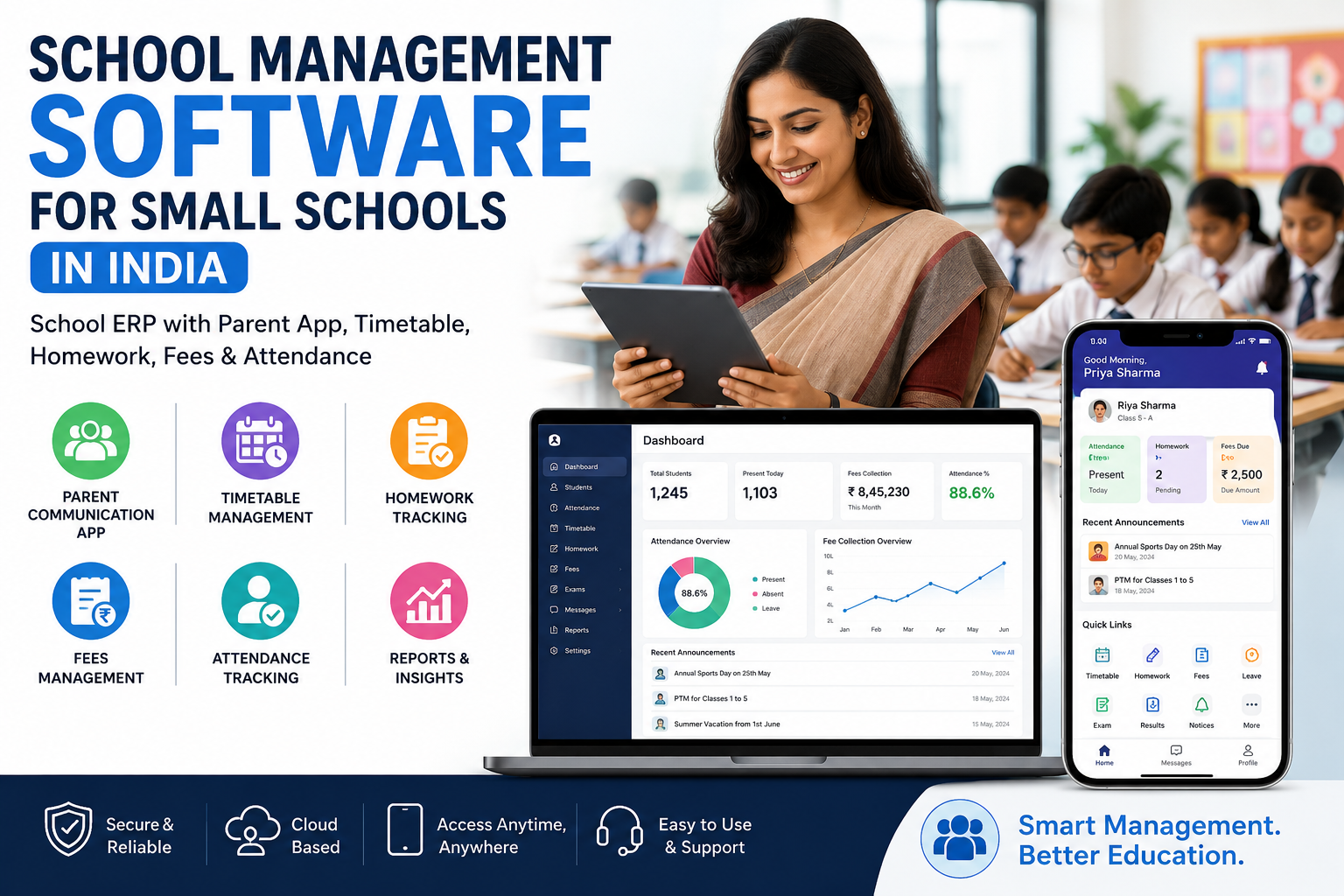
A lot of school management software looks comprehensive in a sales demo but leaves gaps once you're actually running attendance, exams, and fee collection day to day. When evaluating options, check whether these are native features not paid add-ons bolted on later:
-
Student, teacher, and staff management
-
Attendance (student and staff)
-
Timetable and session-year management
-
Exam management (online and offline)
-
Assignment and lesson management
-
Fees management with payment logs
-
Staff leave management
-
Transportation tracking
-
ID card and certificate generation
-
Parent, student, and teacher-facing apps
LMSCloud covers all of the above as part of its 14+ built-in features, with role-based panels for super admins, school admins, teachers, students, and parents.
3. How Long Does Setup Actually Take?
Ask any vendor claiming to be the best school ERP software in India how long onboarding realistically takes with real student and staff data, not a demo account. LMSCloud schools typically go live within 5–7 working days, with onboarding guidance and training sessions included for teachers and administrators.
4. Is Data Security Actually Explained, or Just Mentioned?
An education ERP system holds sensitive student and family data; this shouldn't be a one-line footer claim. LMSCloud uses secure cloud infrastructure and encrypted connections, and does not sell or share school data for advertising purposes.
5. Can You Start Small and Scale Without Re-Platforming?
Schools rarely need every feature on day one. Look for tiered pricing that lets you start with core modules and add capacity or features as enrollment grows, rather than committing to an all-or-nothing contract. LMSCloud offers three prepaid tiers Digital Starter, Smart School, and Complete Digital School scaled by student and staff limits, plus custom packages for larger institutions.
6. Is There a Real Trial, Not Just a Sales Call?
Before committing, request a live demo school account, not just a slide deck. LMSCloud offers a demo school and trial access so administrators, teachers, and parents can test real workflows before purchasing.
Quick Comparison: Cloud ERP vs. What Most Schools Currently Use
|
What You're Doing Now |
What a Cloud Based School ERP Replaces It With |
|
Attendance on paper registers |
Digital attendance, marked and viewable instantly |
|
Fee tracking in spreadsheets |
Fees management with payment logs and reports |
|
Circulars via WhatsApp groups |
In-app announcements, targeted by section/class |
|
Manual timetable creation |
Timetable management with teacher-wise views |
|
Report cards typed manually |
Exam management with automated result generation |
Frequently Asked Questions
What's the difference between school management software and a full education ERP system? School management software often focuses on one or two functions, like attendance or fees. A full education ERP system like LMSCloud combines academics, administration, communication, and finance in one connected platform, so data doesn't have to be re-entered across separate tools.
Is a cloud based school ERP safe for storing student data? Yes, provided the vendor uses encrypted connections and secure cloud infrastructure this is worth confirming directly with any vendor you're evaluating, including asking whether data is ever shared with third parties for advertising.
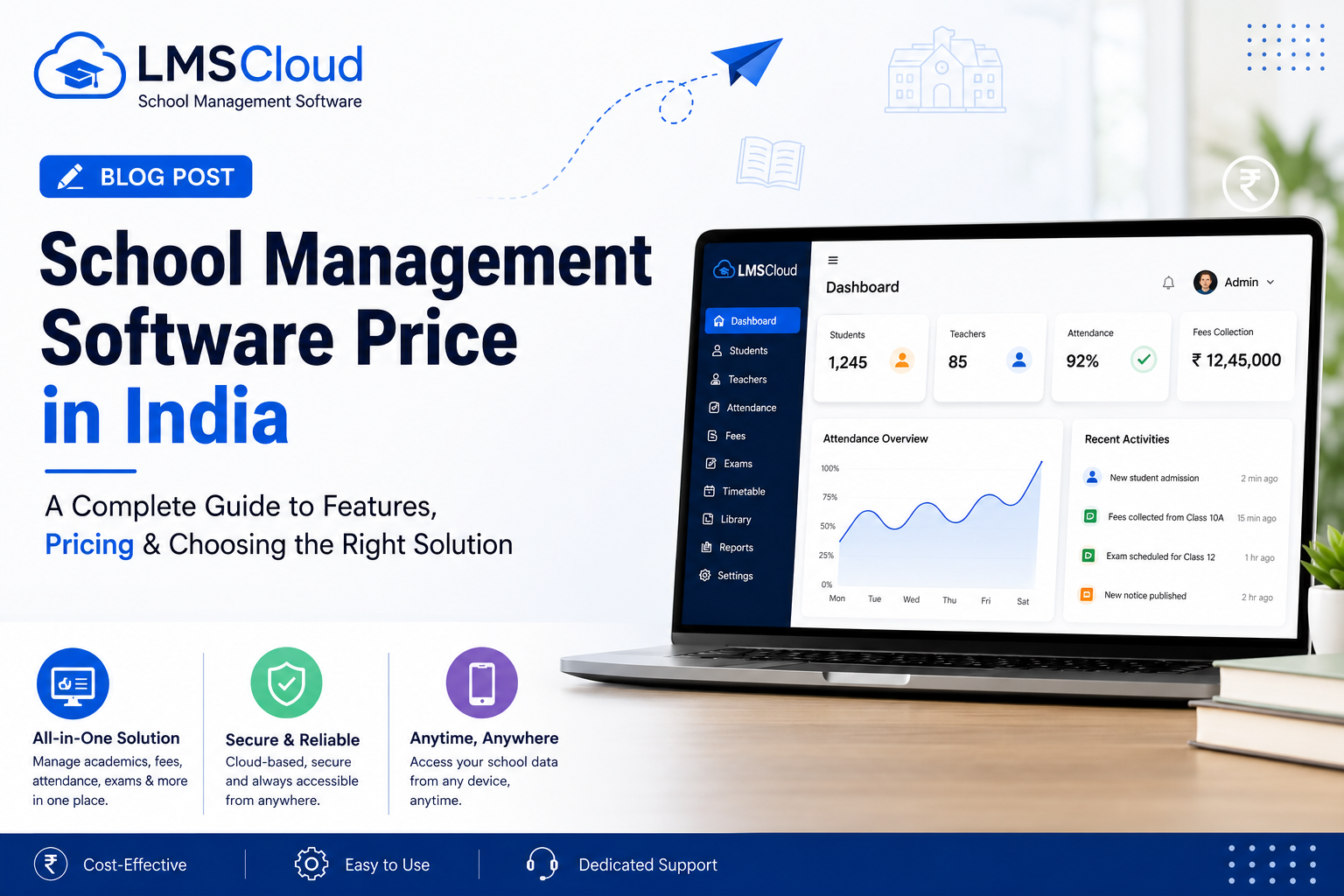
How much does school ERP software cost in India? Pricing varies by school size and feature set. LMSCloud's prepaid plans start at ₹10,000/year for up to 200 students and 10 staff, scaling to ₹35,000/year for larger schools with the full feature set, plus custom pricing for bigger institutions.
Can teachers and parents access the ERP without extra training? Most modern platforms are designed to be simple enough for non-technical users. LMSCloud includes onboarding guidance and training sessions specifically so teachers and admin staff can use the system confidently from day one.
Is there a mobile app, or is it browser-only? LMSCloud includes a mobile app for students, teachers, parents, and staff, alongside browser access so schools aren't locked into desktop-only use.
See How LMSCloud Measures Up
If you're comparing options for the best school ERP software in India, the fastest way to judge fit is a live demo, not another feature list.
Try the Demo School → Register Your School →