Short answer: For a small school in India, the school management software that pays for itself is the one that closes four specific loops: daily attendance captured once and pushed to parents automatically, a timetable that teachers can actually follow and change, homework posted where parents already look, and fee collection with automated reminders and clean receipts. Everything else is useful, but these four decide whether the system saves your office staff time or adds to their work.
Most schools with 200 to 1,500 students do not fail at software selection because they picked a weak product. They failed because they bought a system built for a 5,000 student group, could not staff the data entry it demanded, and quietly went back to registers and WhatsApp groups within a term. This guide is written to prevent that outcome.
What a school ERP actually replaces
A school ERP is one database with several front doors. The point is not the number of modules on the brochure. The point is that a student is entered once at admission, and that record then drives attendance, timetable allocation, homework visibility, exam marks, the fee ledger and every message sent home.
|
Manual process today |
What the ERP replaces it with |
Who benefits most |
|
Attendance register, then a phone call for absentees |
Class wise marking on a phone or tablet, automatic absence alert to parents |
Class teacher, office staff |
|
Timetable on a whiteboard, substitutions by memory |
Central timetable with teacher load view and substitution log |
Vice principal, teachers |
|
Homework in notebooks and WhatsApp groups |
Subject wise homework with due dates and submission status |
Parents, subject teachers |
|
Fee register, manual receipts, verbal reminders |
Fee structure by class and category, online payment, auto reminders, GST ready receipts |
Accounts, management |
|
Marks in spreadsheets, report cards typed each term |
Marks entry against exam schemes, generated report cards |
Exam coordinator |
|
Enquiry slips in a drawer |
Admission enquiry pipeline with follow up dates |
Front office, management |
The compounding benefit is reporting. Once these run on one database, questions such as which classes have fees outstanding beyond 30 days, or which students crossed 15 absences this term, become a one click answer instead of a two day exercise. Schools evaluating this shift usually start by mapping their current registers against the modules in a cloud based school management software platform to see exactly which manual books disappear.
The parent communication app: the module that decides adoption
A parent app is the part of the system parents judge you on, and it is also where most implementations stall. Three practical points matter more than feature lists.
One channel, three delivery routes. Indian parent bodies are mixed. Some check an app daily, some only read WhatsApp, some rely on SMS. The message should be composed once and delivered across app notification, SMS and WhatsApp based on what each parent has. If your staff has to send the same notice three times, they will send it once, on WhatsApp, and your app dies.
Two way, but controlled. Parents should be able to submit leave requests, acknowledge circulars and raise fee queries. Teachers should not be exposed to unlimited personal messaging at 11 pm. Look for defined request types with assignment and closure, not an open chat.
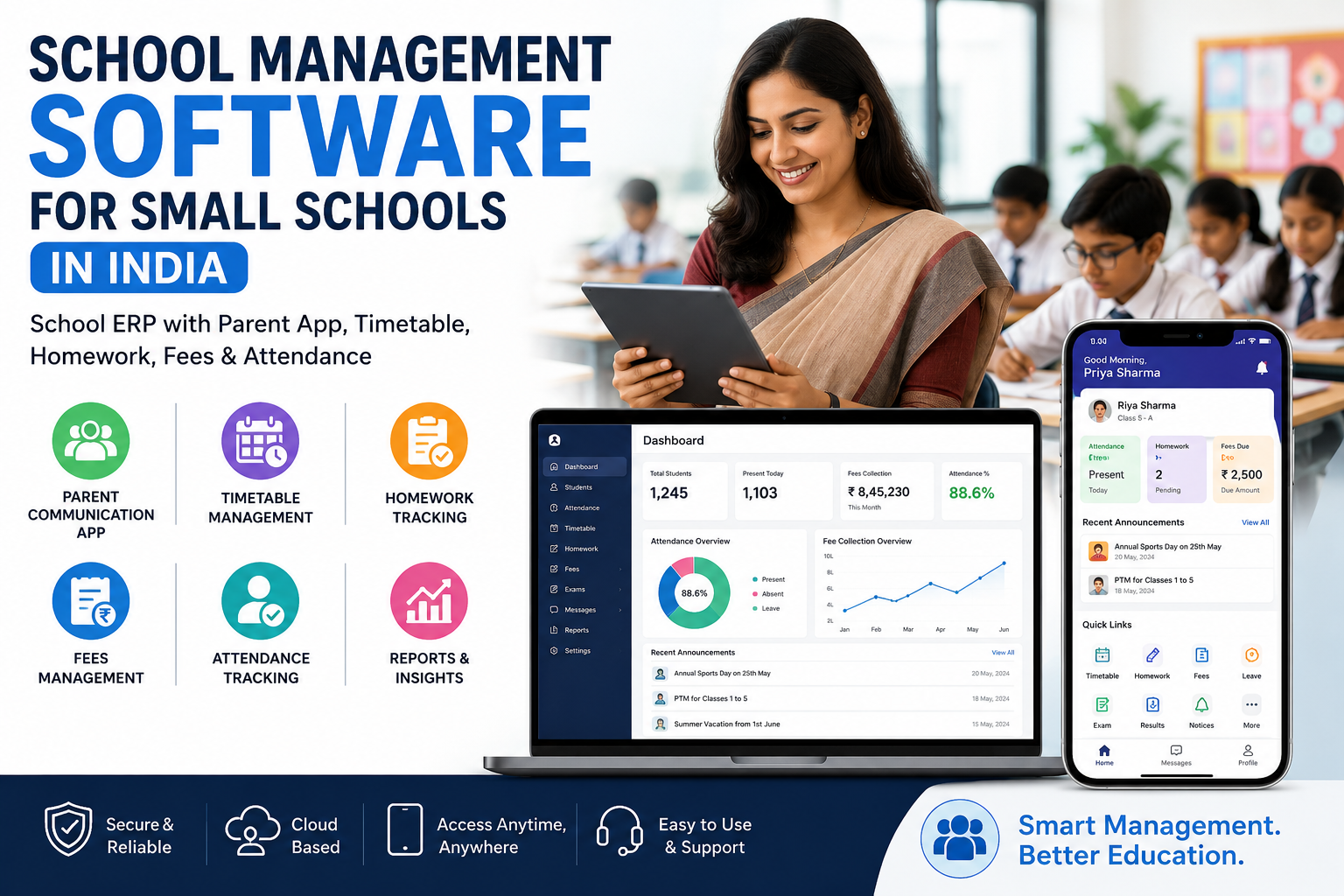
Language and literacy. Regional language support for notices, and a layout a first time smartphone user can navigate, decides whether adoption reaches 80 percent or stalls at 35 percent. In field rollouts, the single largest jump in parent app usage usually comes not from new features but from moving fee payment and absence alerts to the first screen after login, which is exactly how the parent communication app is laid out.
What belongs in the parent view: attendance summary, homework and due dates, fee ledger with a pay option, exam results, circulars, transport status if applicable, and a leave request form. What does not belong: raw teacher contact numbers, other students' data, and anything that needs the school office to explain over the phone.
Timetable and homework tracking without extra admin work
Timetable is where a small school feels the difference from a spreadsheet fastest, because the real constraint is not layout, it is teacher availability.
A workable timetable module should handle:
-
Period structure by class, including different schedules for primary and senior sections
-
Subject to teacher mapping with maximum periods per day and per week
-
Clash detection across teacher, class and room
-
Substitution entry when a teacher is absent, visible to affected classes the same morning
-
Teacher wise workload view, which is the report that settles most staffroom disputes
Homework tracking works only when it fits how teachers already work. The realistic pattern is a teacher opening the class on a phone after the period, selecting the subject, typing two lines, attaching a photo of the textbook page, and setting a due date. If posting homework takes more than 60 seconds, compliance drops within two weeks.
Useful additions once the basics run: submission status marking so parents see pending items, a weekly homework load view so a class does not receive five assignments on the same day, and a read receipt on the parent side that ends the argument about whether the work was communicated.
Managing fees and attendance: the commercial core
If you evaluate only one part of the system in depth, evaluate this one. Fee handling is where a school's cash flow and its audit trail both live.
Fee management requirements checklist
-
Fee heads defined separately, such as tuition, transport, admission, examination and activity
-
Class wise and category wise structures, including staff wards, sibling concessions and RTE or scholarship categories
-
Instalment schedules with due dates, late fee rules and partial payment handling
-
Online payment through UPI, cards and net banking, with automatic reconciliation to the student ledger
-
Numbered receipts, cancellation with reason logging, and a daily collection report that matches the bank
-
Outstanding reports by class, by ageing bucket and by fee head
-
Automated reminder sequences before the due date and after, across app, SMS and WhatsApp
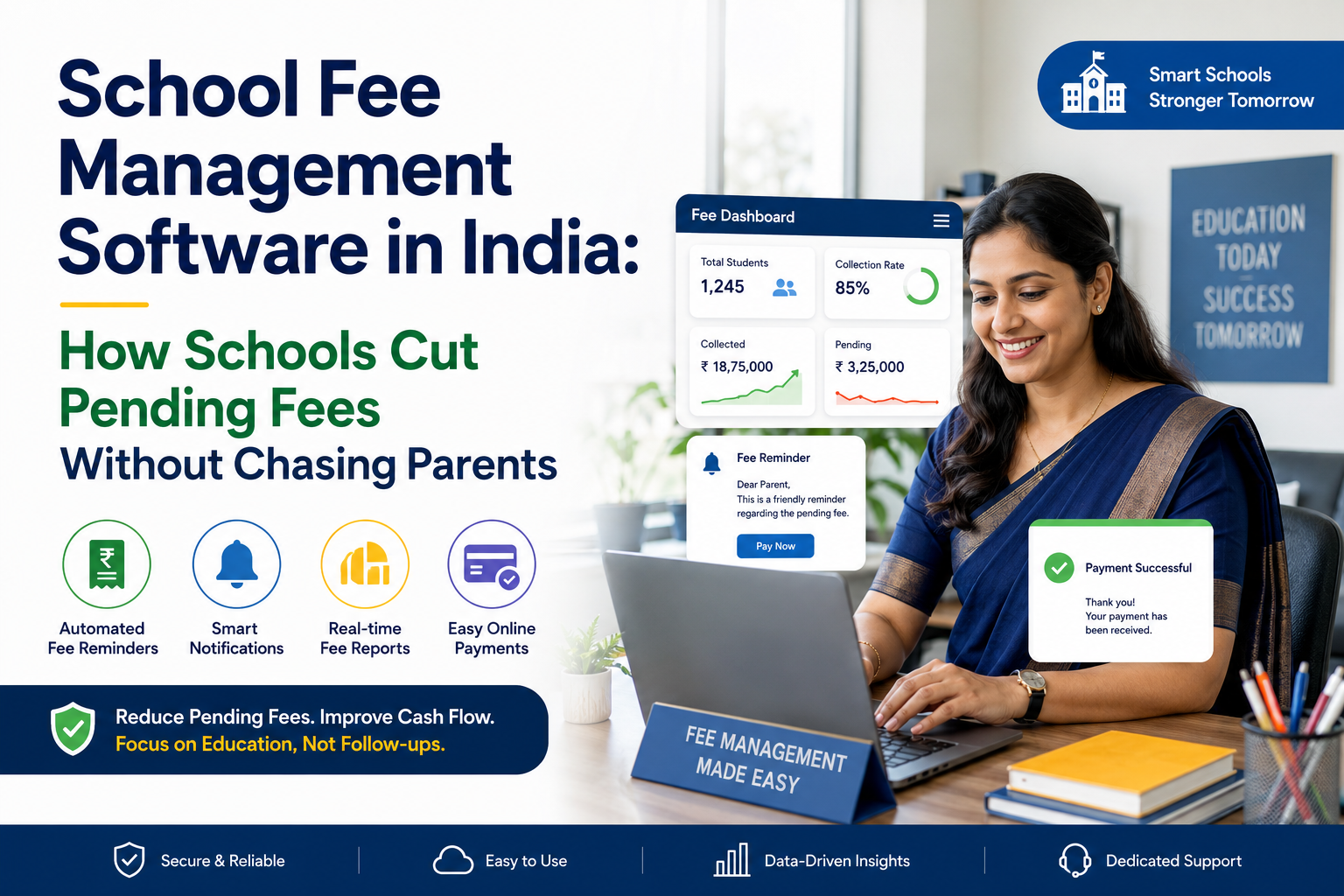
The measurable outcome schools report from automating this is a shift in collection timing rather than in the total collected. Reminders that go out three days before the due date, instead of two weeks after, move a meaningful share of collection into the current month, which changes how you plan salaries and vendor payments. The reminder sequences, ageing reports and reconciliation flow described here are covered in more detail under fee and attendance management.
Attendance requirements
-
Marking modes to suit the school: teacher app, tablet in class, biometric device or RFID card at the gate
-
Period wise attendance for senior classes, day wise for primary
-
Same day absence alert to parents, with a defined cut off time
-
Leave request from the parent side that reflects in the register once approved
-
Monthly and term percentage reports, with a configurable shortage threshold for board or examination eligibility
-
Staff attendance in the same system, since payroll and leave depend on it
One caution on hardware. Biometric attendance is often oversold to small schools. A single device at the gate for 800 students creates a queue and a bottleneck at 8 am. Teacher marked attendance on a phone is usually faster and cheaper, with biometric reserved for staff.
What makes a small school different
Vendors selling to large groups assume a dedicated IT team. Small schools do not have one, so the selection criteria change.
|
Constraint in a small school |
What to insist on |
|
No IT staff |
Vendor handles setup, data import and updates. No server to maintain on premises. |
|
One admin person wearing several hats |
Role based access with sensible defaults, not a 40 step configuration wizard |
|
Tight budget, annual approval cycle |
Per student per year pricing, modules you can add later, no forced multi year lock in |
|
Mixed teacher comfort with technology |
Mobile first teacher app, training included, printed quick reference for staff |
|
Patchy internet in some areas |
Offline attendance marking that syncs when connectivity returns |
|
Board and affiliation reporting |
Report formats aligned to your board, and clean data export |
|
Parent data sensitivity |
Clear answers on hosting location, access control, backups and data export on exit |
Add one question most buyers forget: what does support look like in the first week of a new academic session, when your entire office is under pressure and every problem is urgent. Ask for the support hours, the escalation path, and the name of the person handling your onboarding.
Indicative cost of school management software in India
Pricing varies by vendor, module mix and student count. The ranges below are indicative and meant for budgeting, not quotation.
|
Scope |
Indicative annual cost per student |
Typical inclusions |
|
Core administration |
Rs. 100 to Rs. 250 |
Student records, attendance, timetable, examinations, basic reports |
|
Core plus parent app and fees |
Rs. 250 to Rs. 450 |
Above, plus parent app, online fee payment, SMS or WhatsApp notifications |
|
Full suite |
Rs. 400 to Rs. 600 |
Above, plus transport tracking, library, inventory, HR and payroll |
|
One time costs |
Rs. 15,000 to Rs. 60,000 |
Data migration, fee structure configuration, staff training |
Two costs are commonly missed at budget stage. First, transaction charges on online fee payment, which the school either absorbs or passes to parents, and which should be decided before launch rather than after the first collection cycle. Second, SMS and WhatsApp message costs, which are billed per message and add up quickly if you send daily attendance alerts to every parent.
A six week rollout plan that works
-
Week 1: data and decisions. Export student, staff and parent contact data. Clean duplicates and missing phone numbers before import, because migrating bad data guarantees an unhappy launch. Confirm which modules go live first.
-
Week 2: fee structure and academic setup. Enter fee heads, class wise structures, concessions and due dates. Set up classes, sections, subjects and the period structure.
-
Week 3: timetable and attendance configuration. Build the timetable, set teacher loads, define attendance cut off times and alert templates.
-
Week 4: staff training. Train in two groups. Office and accounts on admissions, fees and reports. Teachers on attendance, homework and marks entry. Keep the teacher session under 45 minutes and hands on.
-
Week 5: parallel run. Run the register and the software together for one week. This is the step schools skip and later regret, because it surfaces mismatches while the old records still exist.
-
Week 6: parent onboarding. Send app credentials with a one page instruction sheet in the local language. Launch alongside a fee cycle so parents have an immediate reason to log in, and keep the helpdesk staffed for the first ten days.
Time the go live to the start of a term or a financial year. Switching systems mid term, with partial fee collections already recorded, creates reconciliation work that sours staff on the whole project.
Five mistakes that sink school software projects
-
Buying on module count. A school that will use eight modules gains nothing from a list of thirty. Unused modules add training burden and confusion.
-
Skipping data cleanup. Importing 900 records where 200 have wrong phone numbers means 200 parents who never receive alerts and conclude the app does not work.
-
Leaving teachers out of the decision. If the people marking attendance and posting homework were not consulted, they will find workarounds.
-
No named internal owner. One person at the school, usually the vice principal or office manager, must own the system. Without that, small issues never get raised and adoption erodes.
-
Measuring the wrong thing. Logins are not the outcome. Fee collection timing, staff hours saved, absence alert delivery rate and reduction in parent walk ins are the outcomes.
How to judge the return
Set a baseline before you start, then compare after one full term:
-
Percentage of term fees collected by the due date, against the same term last year
-
Hours per week office staff spend on fee follow up and attendance queries
-
Percentage of parents who log into the app at least once a month
-
Absence alerts delivered on the same day as the absence
-
Volume of parent walk ins and calls about fees, homework and results
For most small schools, the largest single gain is administrative time redirected from record keeping to admissions and parent relationships, both of which affect revenue directly.
Frequently asked questions
What is a school ERP?
A school ERP is one system that connects admissions, student records, attendance, timetable, homework, examinations, fee collection and parent communication, so the same data is reused across departments instead of being re-entered in separate registers and spreadsheets.
How much does school management software cost in India?
Cloud software is usually priced per student per year. Budget roughly Rs. 100 to Rs. 250 per student per year for core modules, and Rs. 250 to Rs. 600 when a parent app, online fee payment and additional modules are included. Setup, data migration and training are often charged once, separately.
Does a small school with 300 students need an ERP?
Yes, if fee follow up and attendance queries are eating office hours. Schools of 250 to 500 students often see the fastest payback, because one or two staff members are carrying several manual processes that automation removes.
Can parents without smartphones still be included?
Yes. Notices, fee reminders and absence alerts should go out through SMS and WhatsApp as well as the app, and receipts and report cards remain printable from the same records.
How long does implementation take?
Four to six weeks for a small school, following the sequence of data import, fee and academic setup, staff training, a parallel run week, and parent onboarding.
Is student data on a cloud school ERP safe under Indian law?
Children's data attracts additional care under the Digital Personal Data Protection Act, 2023, including verifiable parental consent and restrictions on tracking or targeted advertising directed at children. Ask every vendor where data is hosted, who can access it, how often it is backed up, and how you export it if you leave.
Can we start with fees and attendance and add other modules later?
Yes, and for most small schools this is the better sequence. Fees and attendance deliver the clearest early results, which builds staff confidence before you add examinations, transport or library.
Next step
If you are evaluating systems for the coming session, the most useful thing you can do is put your own data in front of the software: one class list, one fee structure and one week of attendance. That reveals more in 30 minutes than a feature comparison does in a week. You can book a walkthrough with your own school data, bring your current fee structure and one class list, and ask specifically how your three biggest administrative headaches are handled.
Reviewed by the LMS Cloud implementation team, based on deployments across CBSE, ICSE and state board schools in India. Pricing figures are indicative market ranges for budgeting and are not a quotation.