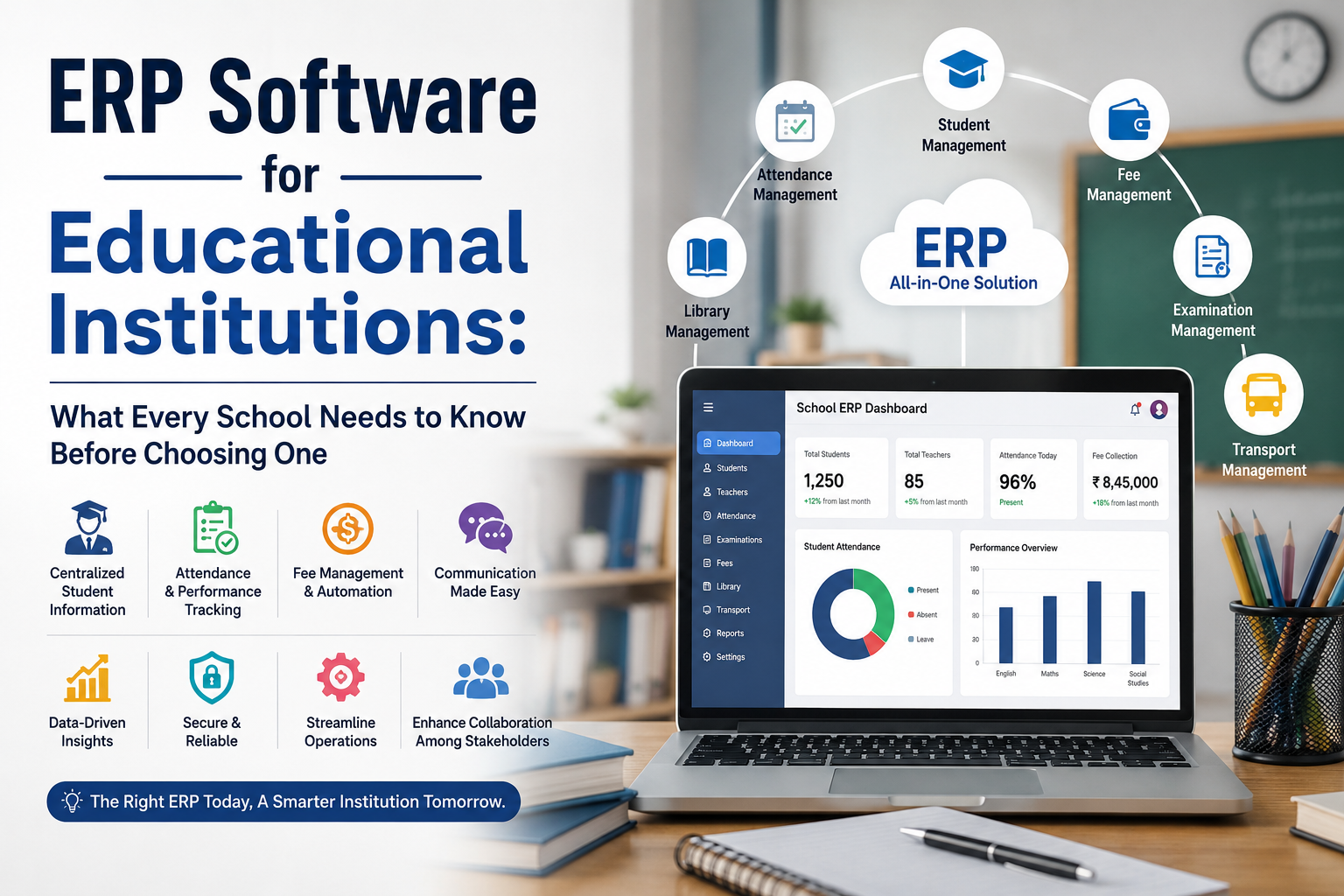
If your school still tracks attendance in a register, sends fee reminders over WhatsApp, and builds the timetable in Excel every April, you already know the problem. Information lives in ten different places, nobody has the full picture, and every small task, from marking attendance to generating a report card, eats up staff time that should go toward actual teaching.
This is exactly what ERP software for educational institutions is built to fix. Below is a practical breakdown of what these systems actually do, what a student information management system should include, and what schools in India are currently paying for one.
What Is ERP Software for Educational Institutions?
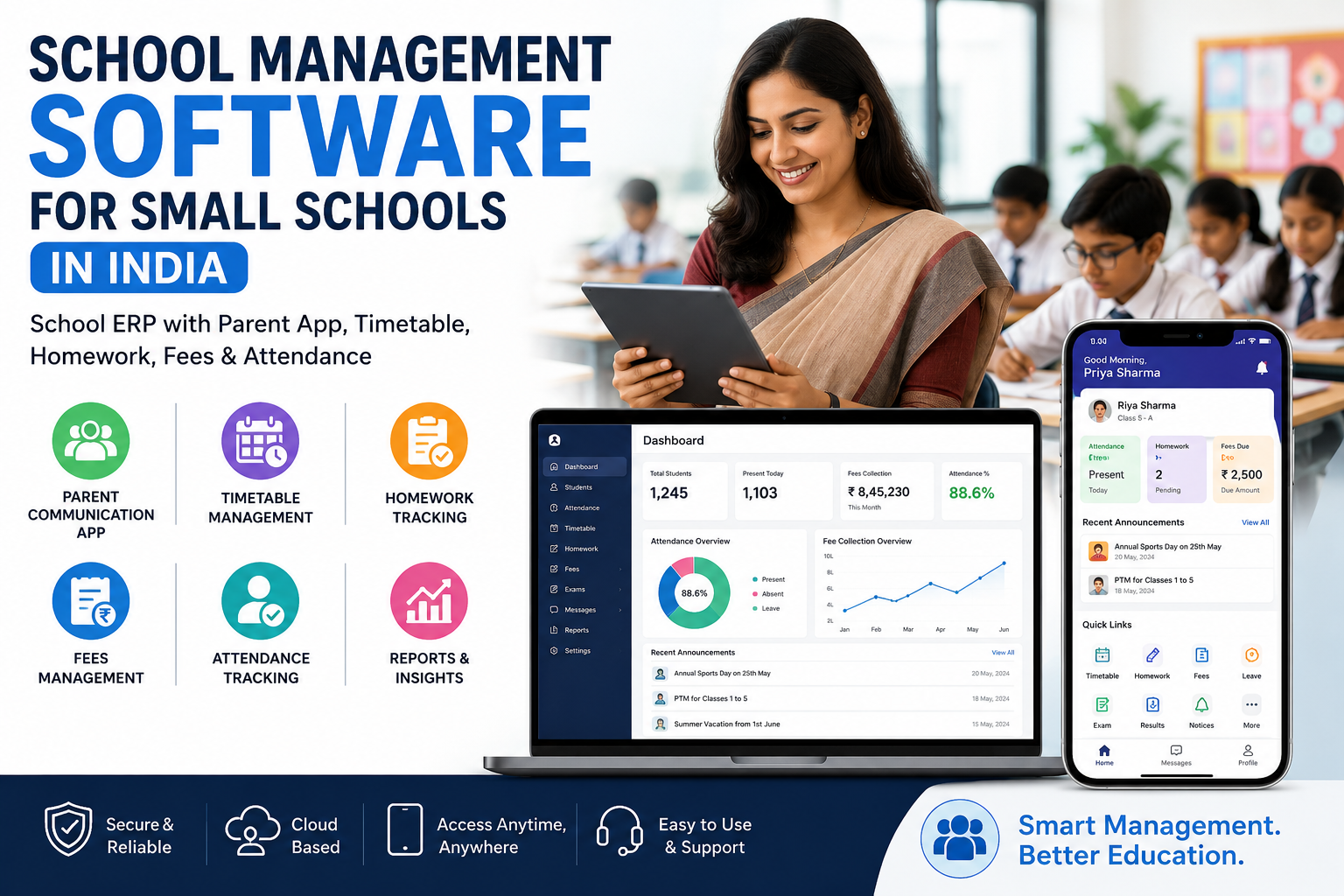
Education ERP (Enterprise Resource Planning) software is a single platform that connects everything a school runs on: admissions, attendance, academics, exams, fees, staff records, and communication with parents. Instead of separate registers, spreadsheets, and messaging apps, everyone, admins, teachers, students, and parents, works from one connected system, each with access limited to their role.
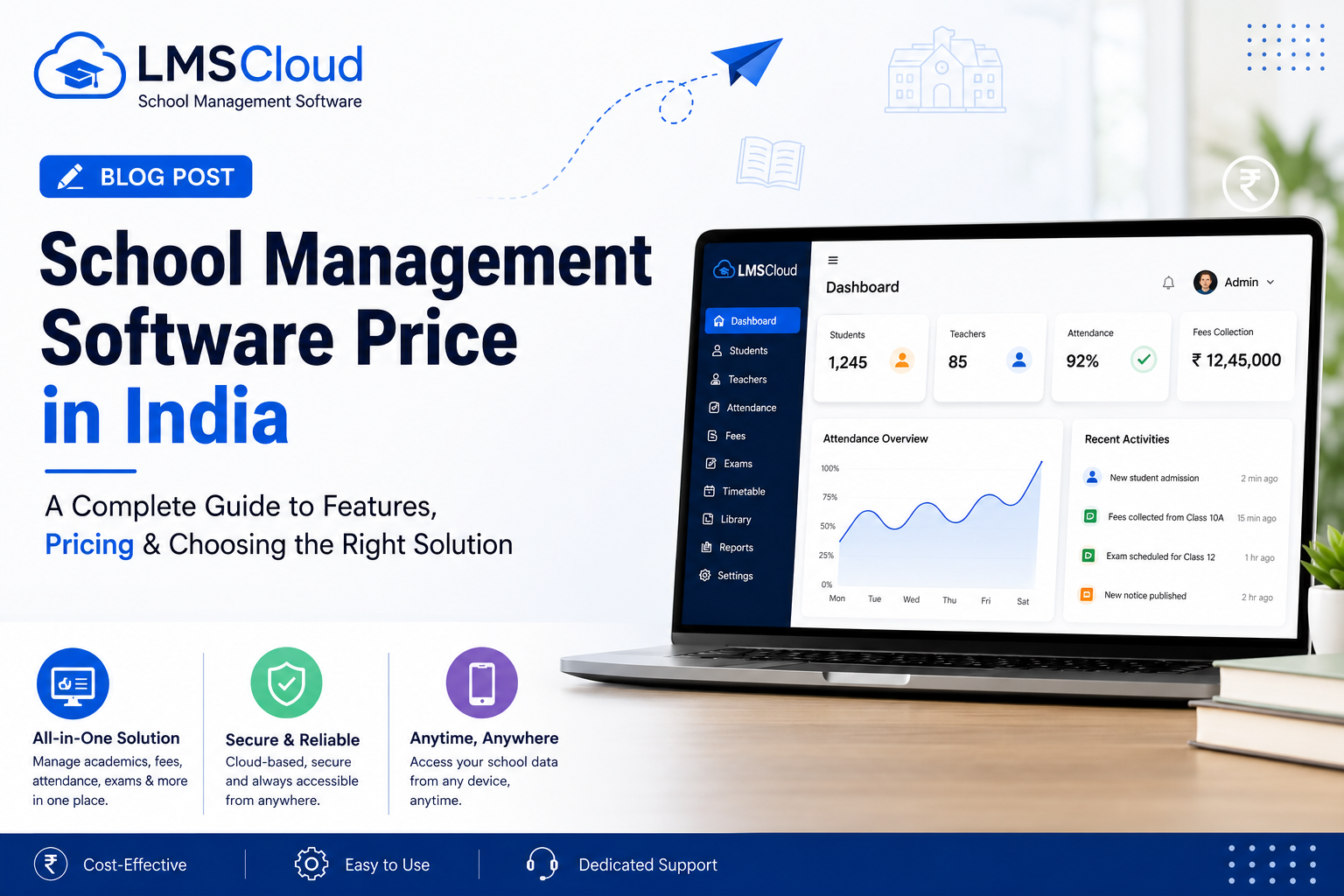
A platform like LMScloud, for example, gives the school admin, teachers, students, and parents their own dashboards inside the same system, so a teacher marking attendance and a parent checking that attendance are both looking at the same live data, not a report generated hours later.
School Management App: The Modules That Actually Matter
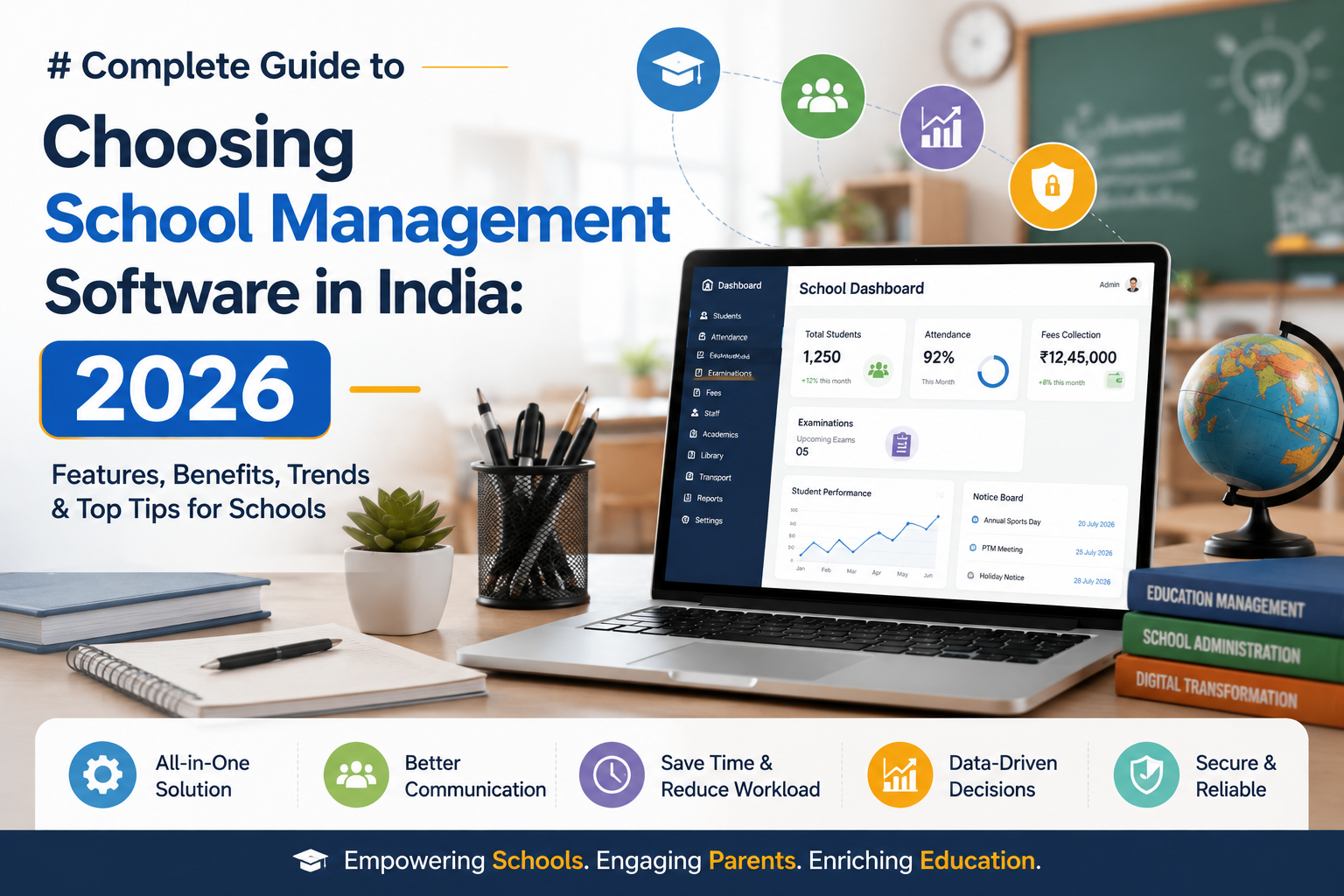
Not every "school ERP" on the market covers the same ground. When you are comparing options, check whether the platform includes these core modules, since these are the ones that save the most administrative time day to day:
Student management. Bulk or individual admissions, student profiles, and parent details in one place, instead of separate admission forms and spreadsheets.
Attendance management. Daily attendance marked by teachers and visible to parents in real time, removing the need for separate attendance registers and manual reporting.
Academics and timetable management. Class, subject, and teacher scheduling are handled centrally, so timetable clashes get caught before the term starts, not during it.
Exam management. Scheduling both online and offline exams, recording marks, and generating results and report cards without manual tallying.
Fees management. Fee structures, payment logs, and dues tracking in one module, so the finance team is not chasing payment records across registers.
Assignment and lesson management. Teachers can create assignments with deadlines and weightage, and track submissions and resubmissions without a separate app.
Staff and leave management. Role-based staff records and a proper leave request and approval workflow, instead of leave applications on paper.
Transportation module. Bus routes and pickup schedules visible to students and parents, cutting down "where is the bus" calls to the office.
Communication tools. Announcements and a built-in chat module so school-wide updates reach parents and staff directly, without relying on a WhatsApp broadcast list.
If a platform is missing several of these, it is closer to a basic attendance app than a true school ERP.
Student Information Management System: Why It Is the Real Backbone
A student information management system (SIS) is the part of the ERP that holds every academic and administrative record tied to a student, admission details, attendance history, exam results, fee status, and parent contact information, in one profile.
The reason this matters more than it sounds: when a parent calls asking about their child's attendance, fee dues, or last exam result, staff should be able to pull up one profile and answer immediately, rather than checking three different registers or software tools. A weak SIS is usually the reason school offices feel chaotic even when the school itself is well run.
Education Management Software vs the Old Way of Running a School
Here is the practical difference schools notice within the first term of switching:
Attendance that used to take 10 to 15 minutes per class to record and later compile now updates in real time and is visible to parents instantly.
Report cards that took days to prepare manually, cross-checking marks across registers, are generated directly from recorded exam data.
Fee follow-ups that relied on phone calls and physical receipts are tracked automatically, with payment logs available on demand.
Timetable clashes that surfaced mid-term, once teachers were already scheduled in two places at once, get caught at the planning stage instead.
Parent queries that used to route through the front office and take a day to answer are now something parents can often check themselves through a dedicated app.
None of this means education management software replaces teachers or admin staff. It removes the repetitive, error-prone parts of their jobs so their time goes toward actual teaching and student support.
What School ERP Software Costs in India (Real Numbers)
Pricing varies by student and staff count and by how many modules are included. As a reference point, LMScloud's published prepaid plans look like this:
Digital Starter, up to 200 students and 10 staff, priced at Rs. 10,000 for 365 days. Covers the core modules: student management, academics, teacher management, attendance, lessons, assignments, and announcements.
Smart School, up to 300 students and 15 staff, priced at Rs. 19,000 for 365 days. Adds exam management, staff management, staff leave, fees management, and school gallery management on top of the Starter modules.
Complete Digital School, up to 500 students and 25 staff, priced at Rs. 35,000 for 365 days. Includes the full module set: ID card and certificate generation, website management, chat module, transportation module, expense management, and everything in the lower tiers.
Larger institutions can also request a custom package built around their exact student count and feature needs.
How Long Does Setup Actually Take?
A common concern with switching systems mid-year is disruption. Most schools onboarding onto LMScloud go live within 5 to 7 working days, depending on how ready their existing student and staff data is for import, and onboarding support and staff training are provided as part of the setup.
Frequently Asked Questions
What is the difference between a school management app and a full ERP system? A school management app often covers one or two functions, such as attendance or fees. A full ERP system like LMScloud connects admissions, academics, attendance, exams, fees, staff, and communication in one platform with role-based access for admins, teachers, students, and parents.
Is student data safe on cloud-based school ERP software? Reputable platforms use secure cloud infrastructure and encrypted connections, and do not sell or share student data for advertising. Confirm this directly with any vendor before signing up.
Can teachers and parents use the same system? Yes. A properly built ERP gives each role, admin, teacher, student, and parent, its own dashboard and permissions, so everyone sees relevant information without needing separate apps.
Does school ERP software include a mobile app? Most modern platforms do. LMScloud, for instance, offers mobile access for students, teachers, and parents so attendance, assignments, results, and announcements are available on the go.
Can we try the software before buying? Yes, most vendors offer a demo or trial. LMScloud provides a live demo school so administrators can explore the actual platform before committing to a plan.
What happens to our data if we cancel the subscription? This depends on the vendor's policy. Ask specifically about data export options and refund terms before signing a contract, and check the cancellation window, since many vendors only offer refunds within a limited period after purchase.
If you are evaluating ERP software for educational institutions, the fastest way to judge fit is to explore a live system rather than a features list. You can walk through LMScloud's demo school or register your school to start a trial and see the student information management system in action.