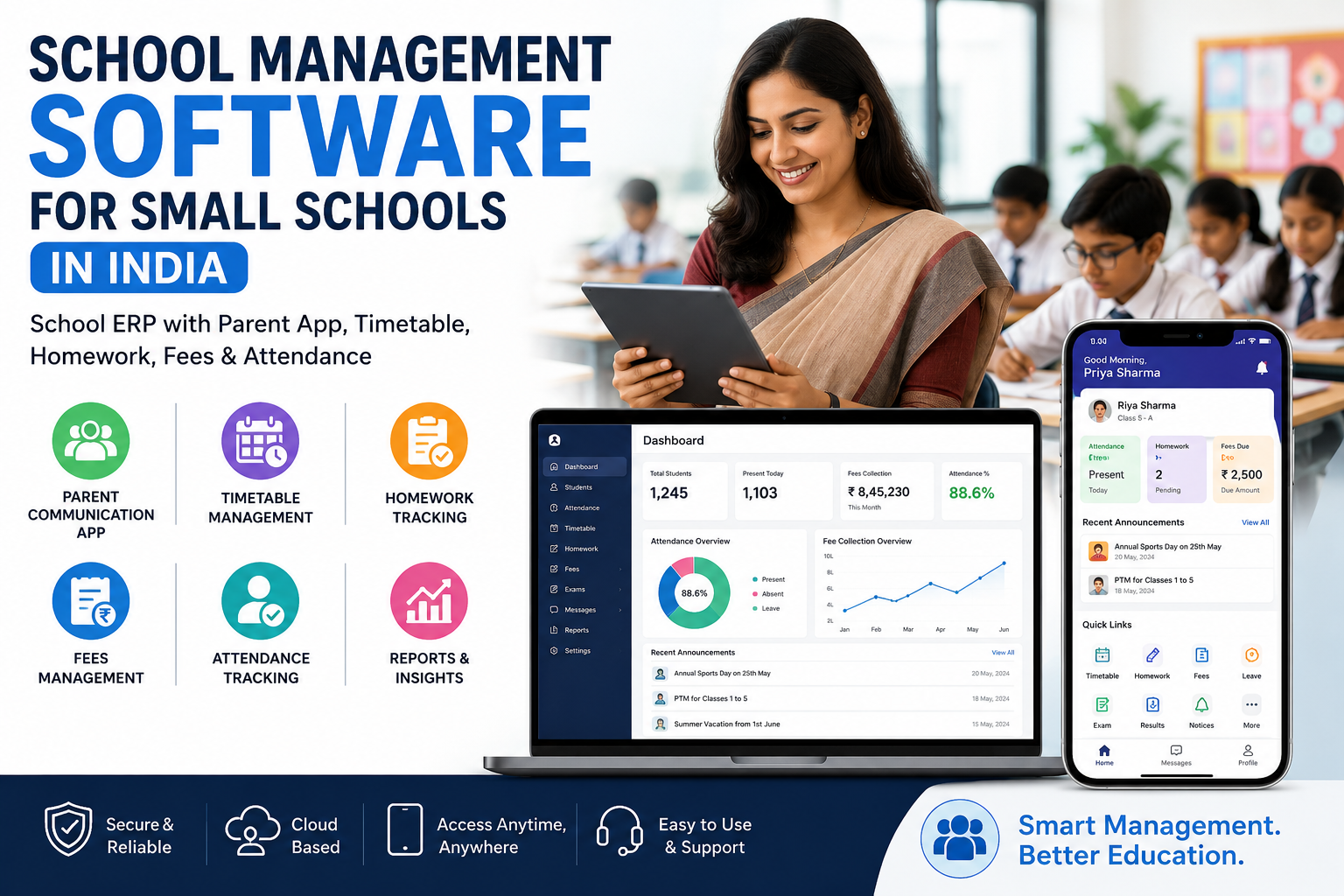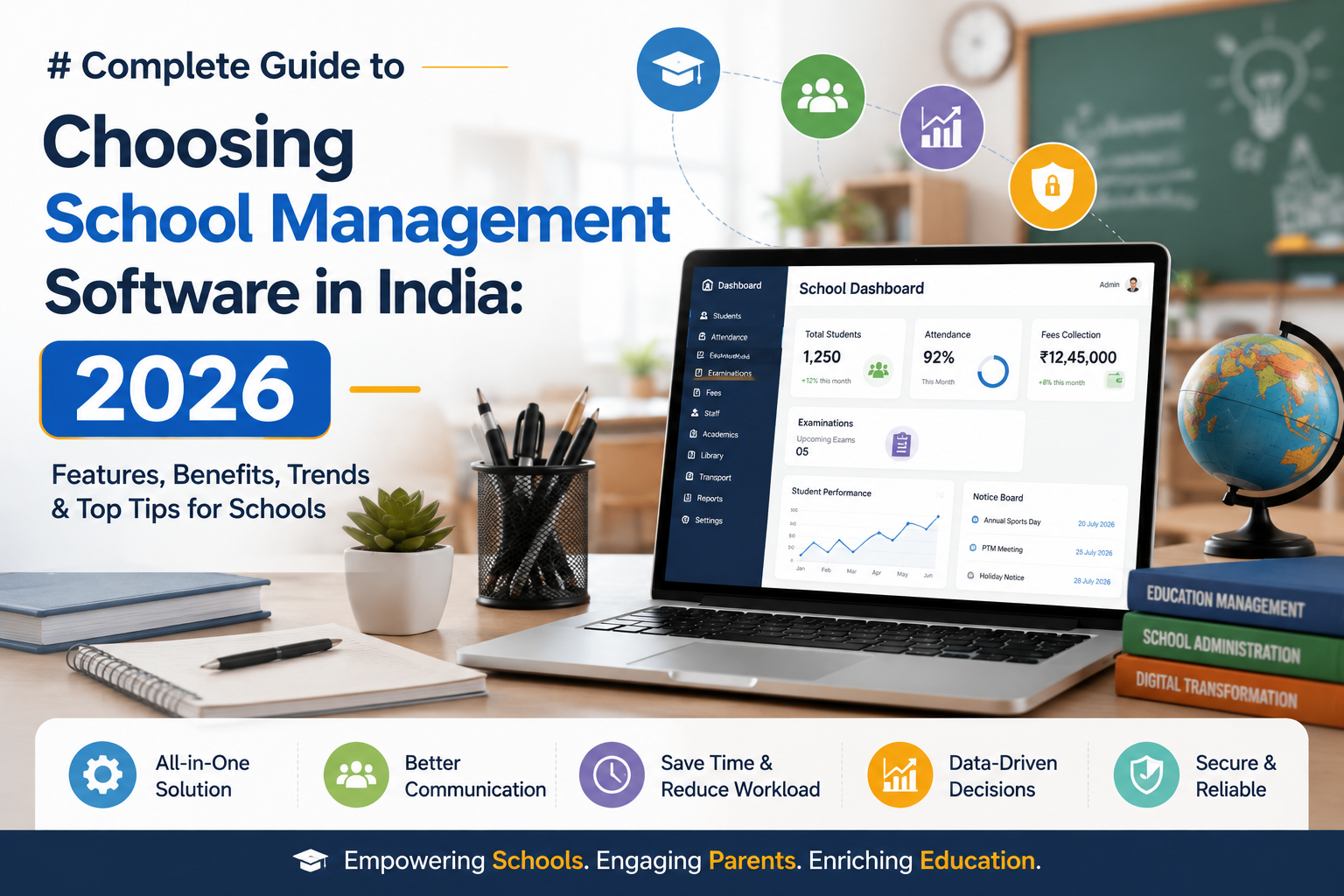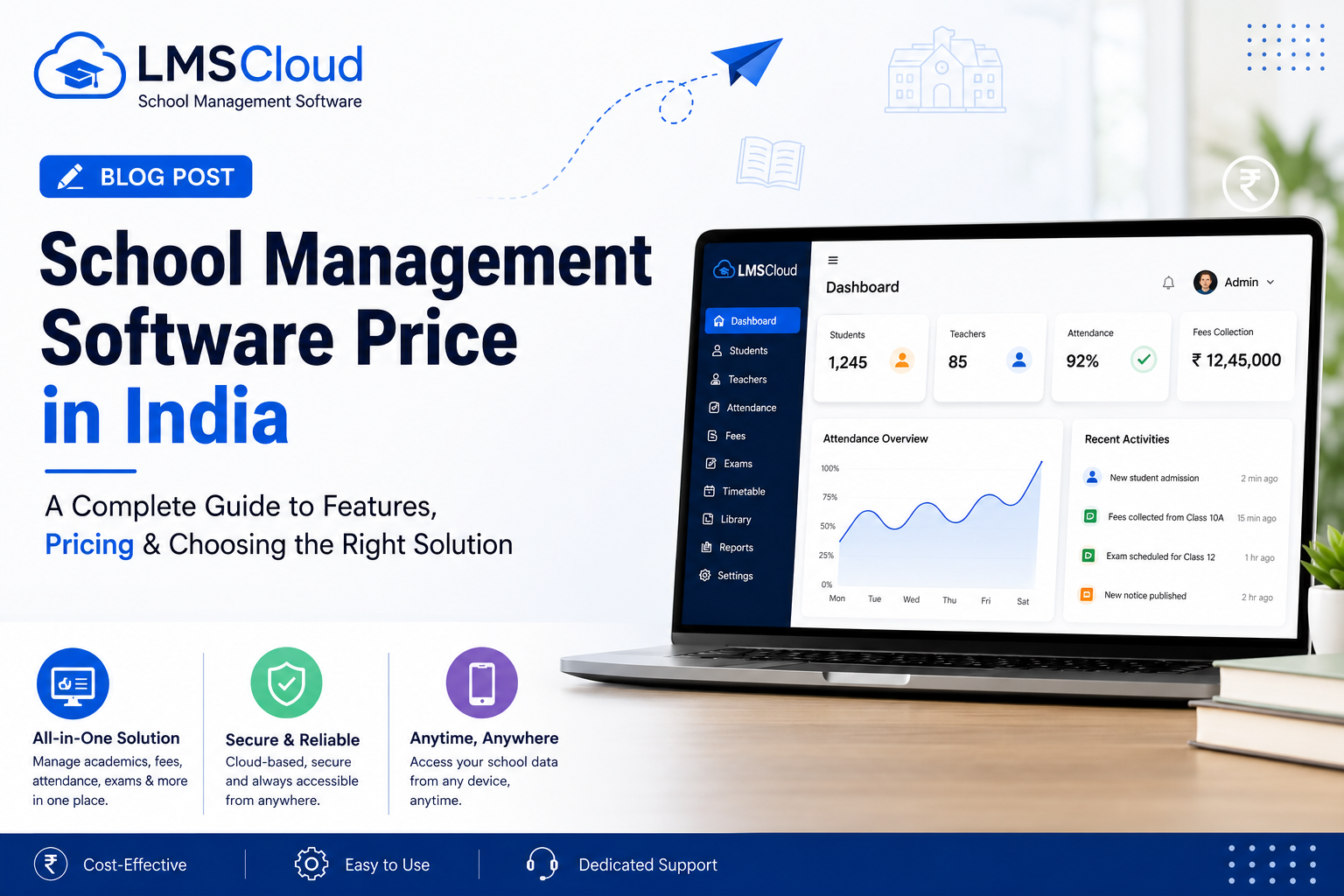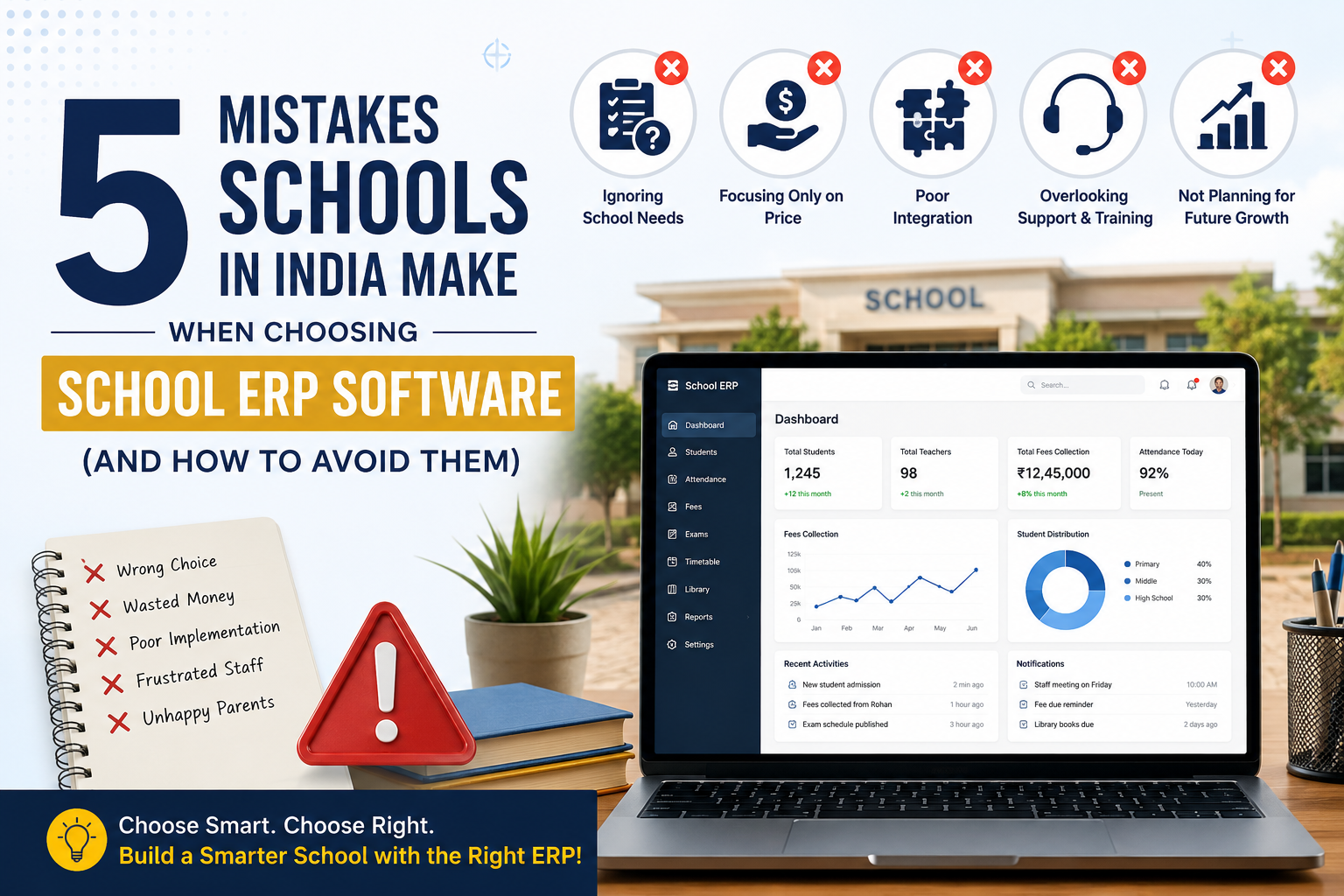
Most schools that regret their ERP decision don't regret it because a better platform existed. They regret it because of a mistake made during evaluation — one that had nothing to do with features, and everything to do with how the decision got made. If your school is currently comparing options for the best school ERP software in India, here are the five mistakes that quietly derail most of these projects, and how to sidestep each one.
Mistake 1: Choosing Based on the Pitch, Not the Actual Workflow
"AI-powered," "all-in-one," "cloud-based" — every vendor's homepage uses the same three phrases, and after the fifth demo call they all start to sound identical. The mistake is evaluating a school management software on how confident the sales pitch sounds rather than on whether it replaces your school's actual daily grind: the attendance register, the WhatsApp fee reminders, the Excel timetable rebuilt every April.
Fix: Before any sales call, write down the five tasks that eat the most staff time each week. Then ask the vendor to show — not describe — exactly how their platform handles each one, live, with a real demo account.
Mistake 2: Ignoring Whether Teachers Will Actually Use It
An education ERP system can have every feature on the market and still fail — because the people entering data every day never adopted it. This is the single most common reason schools switch systems twice within two years: the first platform looked complete on paper but had no real onboarding, so teachers quietly went back to paper registers within a term.
Fix: Ask specifically what onboarding and training looks like — not "is training available," but how many sessions, for which roles, and over what timeframe. LMSCloud includes onboarding guidance and training sessions for teachers and administrators as part of setup, precisely because adoption, not installation, is where most ERP rollouts actually succeed or fail.
Mistake 3: Accepting "Secure" as an Answer Instead of an Explanation
A cloud based school ERP holds attendance records, fee payment history, and family contact details — sensitive data by any standard. "We're secure" as a one-line footer claim isn't an answer; it's a placeholder for one.
Fix: Ask directly: is the connection encrypted, is data ever shared with third parties for advertising, and where is data actually hosted? LMSCloud runs on secure cloud infrastructure with encrypted connections and does not sell or share school data for advertising — but the point isn't to take any vendor's word for it. Make every vendor answer the same three questions before you compare quotes.
Mistake 4: Signing an All-or-Nothing Contract on Day One
A school with 150 students doesn't need the same package as one with 800, but plenty of vendors sell a single tier and expect every school to fit it. This mistake shows up most often with smaller schools and schools in tier-2 and tier-3 cities across India, who end up paying for modules — website management, transportation tracking, expense management — they won't touch in year one.
Fix: Look for tiered, prepaid pricing that scales with actual student and staff count, not a flat annual license regardless of size. As a reference point, LMSCloud's published plans run from a Digital Starter tier (up to 200 students, 10 staff, ₹10,000/year, covering core academics, attendance, and lesson management) up to a Complete Digital School tier (up to 500 students, 25 staff, ₹35,000/year, with the full module set including fees, transportation, and ID card generation) — with custom packages for larger institutions. Start where your school actually is, not where a sales quota needs you to be.
Mistake 5: Skipping the Live Demo and Buying Off a Slide Deck
A features list on a website can say anything. The only way to know whether a school management software actually fits your school is to put real staff in front of a real account and watch how long it takes them to mark attendance, generate a report card, or check a fee record.
Fix: Insist on a live demo school, not a screen-share of marketing slides. LMSCloud offers an open demo school that any administrator can explore before registering, specifically so this step isn't skippable.
What "Cloud Based School ERP" Should Actually Mean
Worth clarifying, since the term gets used loosely: a genuinely cloud based school ERP means your admin team, teachers, and parents can log in from any device with no local installation, updates happen automatically in the background, and the system doesn't go down because one school computer needs a reinstall. If a vendor's "cloud" product still requires desktop installation or manual updates at each school computer, it's cloud-hosted, not cloud-based — a smaller distinction on a spec sheet, but a real one in daily practice, especially for schools without a dedicated IT staff member on site.
Frequently Asked Questions
How do I know if my school actually needs a full ERP, or just an attendance app? If you're managing attendance, fees, exams, and communication through three or more separate tools (registers, spreadsheets, WhatsApp), a full education ERP system usually pays for itself in staff time within the first term. A single-purpose attendance app is fine only if that's genuinely the one process you're trying to fix.
What's a red flag that an ERP vendor won't scale with a growing school? Watch for vendors offering only one pricing tier regardless of school size, or ones who can't clearly explain what happens to your data and pricing if your enrollment doubles. A vendor with tiered plans and a custom package option for larger institutions is built to grow with you rather than force a re-platform later.
Do smaller schools in tier-2 or tier-3 cities in India really need cloud ERP, or is it built for big-city schools? Cloud based school ERP arguably matters more for smaller schools without a dedicated IT team, since there's no local server to maintain — everything runs through the browser or app, and support is handled by the vendor rather than in-house staff.
How much staff time does school management software actually save? It varies by school, but the time savings concentrate in a few specific tasks: attendance that used to take 10–15 minutes per class to record and compile now updates instantly; report cards that took days to prepare manually are generated directly from recorded exam data; fee follow-ups that relied on phone calls become automatic payment logs.
Can we try before committing, or is it a straight purchase? Reputable vendors offer a live trial, not just a sales call. LMSCloud provides a demo school so administrators, teachers, and parents can test real workflows before any subscription is purchased.
See It Before You Decide
The fastest way to avoid all five mistakes above is the same step: stop comparing feature lists and get into a live system with your own team.
Try the Demo School → · Register Your School → · View Pricing →