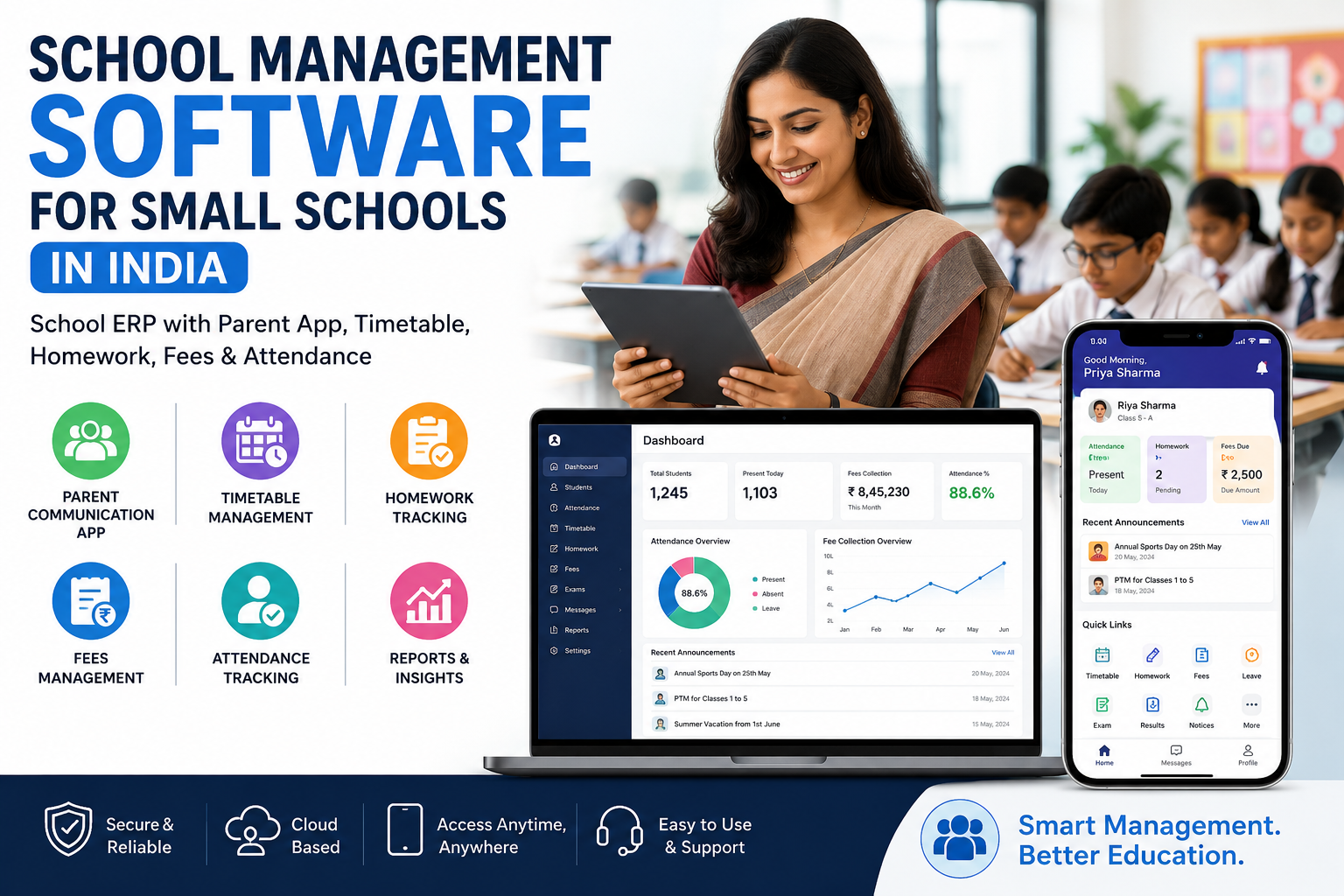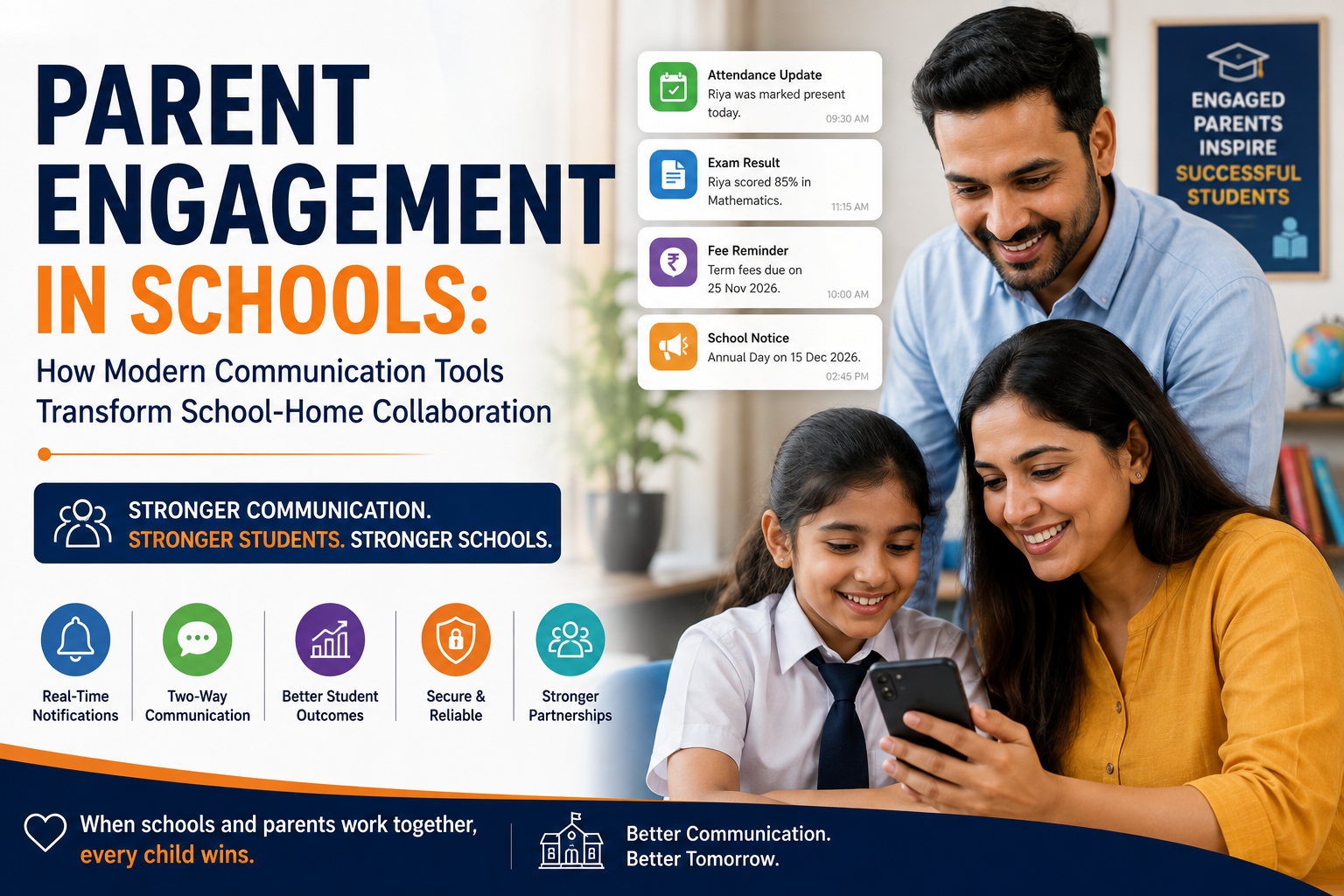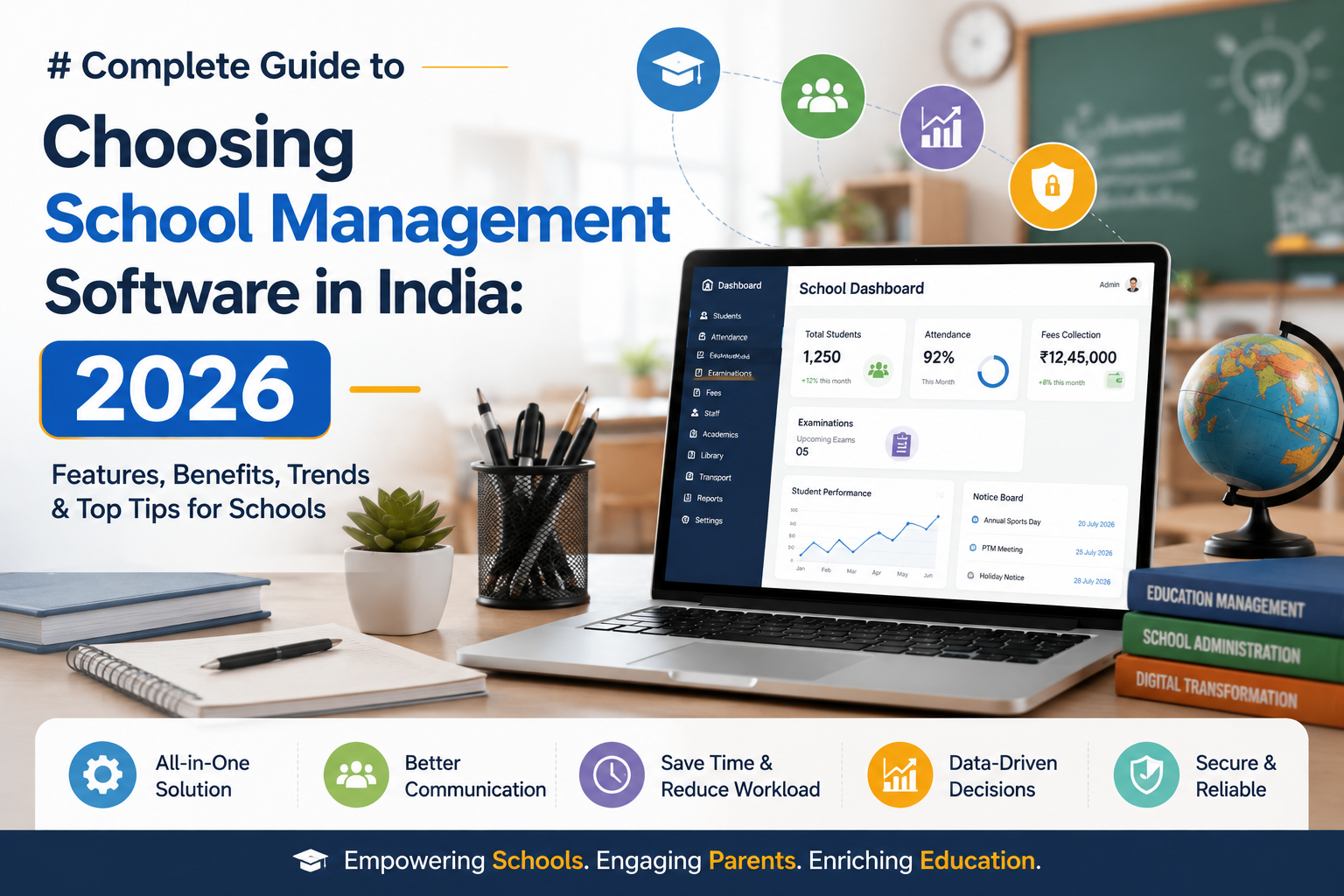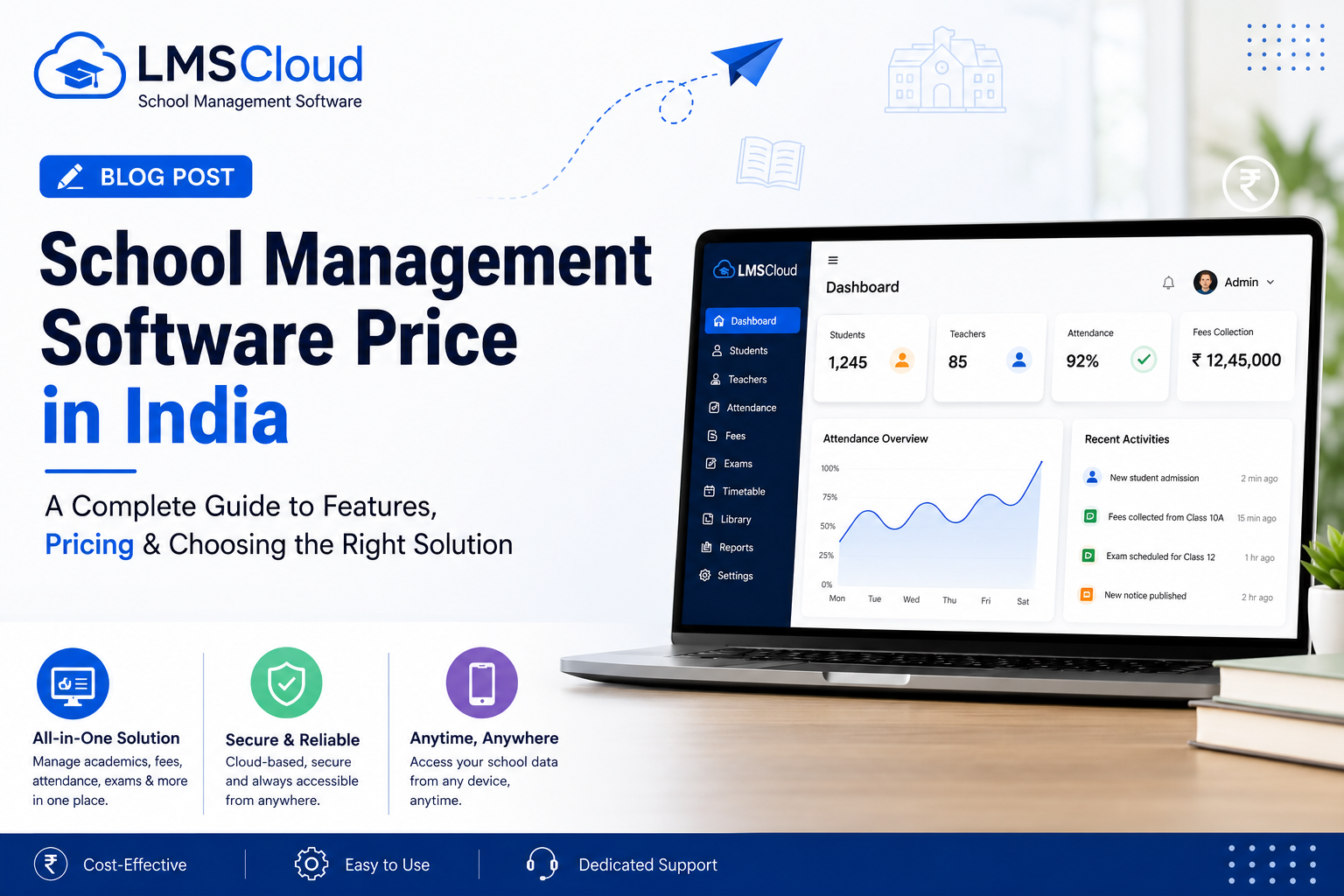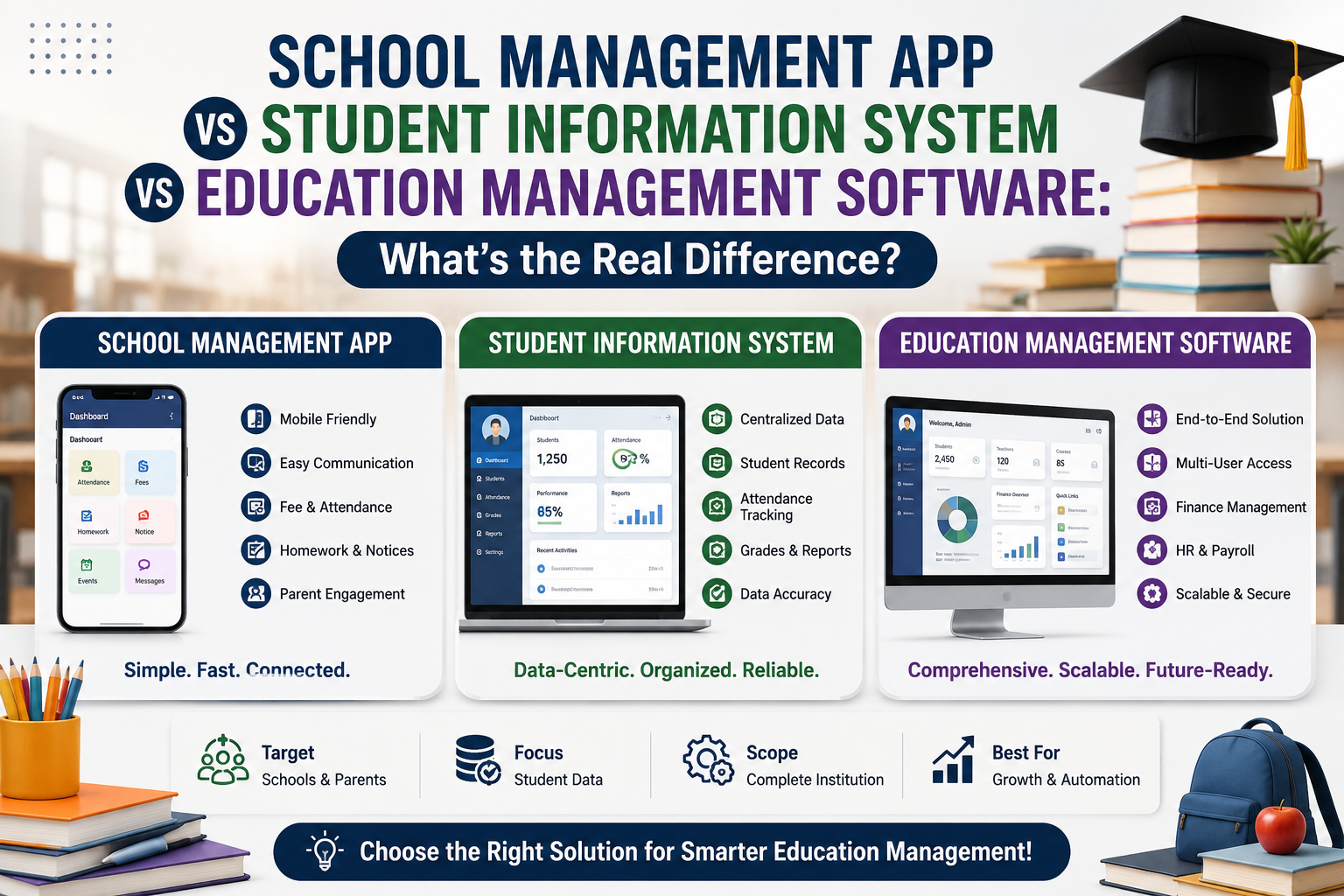
Search for a school management app and you'll also see results for student information management system, education management software, and ERP software for educational institutions, often describing the exact same product. That overlap is not a coincidence, and it is not marketing spin either. Each term highlights a different slice of the same job: running a school without drowning in registers, spreadsheets, and WhatsApp groups.
Here is the short answer before the full breakdown: a school management app is the day-to-day tool teachers and parents open on their phones, a student information management system is the database layer that stores every student record, education management software is the umbrella category both sit under, and ERP software for educational institutions is the enterprise term for a platform that ties admissions, academics, fees, staff, and communication into one system. Most schools eventually need all four functions in a single platform, which is exactly what LMScloud is built to do.
What Is a School Management App?
A school management app is the mobile or web interface that teachers, students, parents, and staff use every day. It typically covers attendance marking, homework and assignment submission, exam results, fee reminders, and school announcements, all from a phone instead of a physical diary or a front-office phone call.
The app is the visible layer of the system. When a parent gets a notification that their child was marked absent, or a teacher submits attendance in two taps instead of a paper register, that's the school management app doing its job. LMScloud's mobile app gives teachers, students, and parents each their own dashboard, so nobody is digging through irrelevant menus to find what they need.
What Is a Student Information Management System?
A student information management system, usually shortened to SIS, is the database behind the app. It stores admission records, attendance history, academic performance, fee payment logs, parent contact details, and transportation assignments for every student in one searchable place.
Where the app is what people see, the SIS is what makes the app accurate. If a school switches from paper files to a proper student information management system, the biggest win isn't a nicer interface, it's that a teacher, an accountant, and a principal can all pull the same student's record and see the same numbers, instantly, instead of chasing three different registers.
What Is Education Management Software?
Education management software is the broader category that both school management apps and student information systems fall under. It's the umbrella term used across the industry to describe any software built to run academic and administrative operations for a school, college, or training institute.
If you search for education management software, you'll find everything from single-purpose attendance tools to full platforms. The distinction that matters when you're evaluating options is whether the software handles one function or all of them together. A single fee-collection tool is education management software in the loosest sense. A platform that also runs admissions, timetables, exams, and staff payroll is a different tier entirely.
What Is ERP Software for Educational Institutions?
ERP software for educational institutions is the term schools use once they need everything connected, not just running side by side. ERP stands for enterprise resource planning, borrowed from business software, and applied to schools it means one platform handling admissions, academics, attendance, exams, fees, staff, transportation, and communication, with all of it sharing the same data.
This is the category LMScloud sits in. Rather than juggling a separate attendance app, a separate fee-collection tool, and a separate parent communication channel, an ERP consolidates them so a change in one place, like a fee payment or an updated timetable, reflects everywhere instantly. If you're actively comparing vendors, our ERP software for educational institutions buying guide walks through exactly what to evaluate before signing a contract, and this 2026 buyer's checklist covers the shortlist criteria most schools miss.
Key Differences at a Glance
|
Term |
What It Actually Refers To |
Who Uses It Most |
|
School management app |
The mobile/web interface for daily tasks |
Teachers, students, parents |
|
Student information management system |
The database of student records |
Admin staff, principals |
|
Education management software |
The broad category of all academic software |
Anyone researching options |
|
ERP software for educational institutions |
A fully connected platform covering every function |
School owners, trustees, admins |
Which One Does Your School Actually Need?
If your school only wants to digitize attendance and homework, a lightweight school management app might be enough for now. If your bigger problem is fragmented student records scattered across Excel sheets and paper files, you need a proper student information management system first.
But most schools that start with a single-purpose tool end up back at square one within a year, because attendance data, fee data, and academic data are never actually separate problems. A late fee payment affects exam eligibility. A transport change affects attendance timing. This is why most growing schools skip straight to ERP software for educational institutions instead of stitching together three or four disconnected tools. You can see the full range of what a connected platform includes on the LMScloud features page.
What to Look for in School Management Software
Whichever category you're shopping in, the same checklist applies before you commit:
-
Coverage. Does it handle student management, academics, attendance, exams, fees, and staff, or just one of these?
-
Role-based access. Can admins, teachers, students, and parents each see only what's relevant to them?
-
Mobile access. Is there a real app, not just a mobile-responsive website, for parents and teachers?
-
Data security. Is student data encrypted and hosted on secure cloud infrastructure, not shared for advertising purposes?
-
Onboarding support. Will the vendor train your staff, or hand you a login and disappear?
-
Pricing that scales. Can the plan grow with student count without forcing a full re-negotiation?
Why Schools in India Are Moving to Cloud-Based ERP
Manual registers and disconnected spreadsheets don't scale past a certain point, and most schools hit that wall around the time student count crosses a few hundred. Cloud-based ERP software for educational institutions solves this by centralizing every function, accessible from any device, with automatic backups instead of a filing cabinet.
LMScloud covers over 14 core modules, including student management, academics, attendance, exam management, fees management, staff and staff leave management, transportation, ID card and certificate generation, a chat module, and website management, all inside one super admin panel. Schools can also see it in action first through the live demo school before committing to anything.
Pricing Overview
LMScloud offers three prepaid packages plus a custom option, so schools of different sizes aren't paying for modules they don't need:
-
Digital Starter: Up to 200 students and 10 staff, covering core student, academics, and attendance management, for schools just getting started with digital tools.
-
Smart School: Up to 300 students and 15 staff, adding exam management, staff management, fees management, and school gallery management on top of the starter features.
-
Complete Digital School: Up to 500 students and 25 staff, with the full module set including ID card generation, website management, chat, and transportation.
-
Custom Package: For schools with student counts or feature needs outside the standard tiers.
Full pricing details are available on the LMScloud pricing section, and schools with unique requirements can get in touch directly for a custom quote.
Frequently Asked Questions
Is a school management app the same as ERP software for educational institutions? No. A school management app is usually the interface for daily tasks like attendance and homework. ERP software for educational institutions is the full platform underneath, connecting admissions, academics, fees, staff, and communication into one system, of which the app is just one part.
Do I need a separate student information management system if I already have a school ERP?
No. A proper ERP software for educational institutions already includes student information management as a core module, so a separate SIS tool would be redundant.
How is education management software different from a school ERP?
Education management software is the general category. ERP software for educational institutions is a specific, fully integrated type of education management software that connects every department instead of running as standalone tools.
How long does it take to set up a school management platform like LMScloud?
Most schools go live within 5 to 7 working days, depending on how much existing student and staff data needs to be imported.
Is student data safe on a cloud-based school management app?
Yes, when the platform uses encrypted connections and secure cloud infrastructure. LMScloud does not sell or share student data for advertising purposes.
Can I try the software before switching my school over?
Yes. You can explore the LMScloud demo school or register your school directly to start a trial.
Still deciding between a school management app, a student information system, or a full ERP? Register your school with LMScloud or explore the demo school to see all 14+ modules in action before you choose.